In 2026, choosing the right online passport photo tool is no longer just about convenience—it’s about accuracy, speed, and guaranteed compliance with strict government requirements. Whether you’re applying for a US passport, UK passport, or visa, using the wrong photo can lead to delays or outright rejection. This guide breaks down the best online tools based on price, processing speed, and biometric compliance, so you can make the right choice.
Why Online Passport Photo Tools Are Replacing Photo Booths
Traditional options like pharmacies or photo booths are quickly becoming outdated. Here’s why online tools dominate:
-
Instant processing — no waiting in line
-
AI-based compliance checks — automatic validation
-
Multi-country support — one tool for global documents
-
Lower cost — often 50–80% cheaper
-
Retake flexibility — unlimited attempts from home
In short, online tools combine automation + accuracy, which physical locations simply cannot match.
Key Factors: Price, Speed & Compliance Explained
Before choosing a tool, understand what actually matters:
1. Price
-
Free tools often lack compliance guarantees
-
Paid tools ($3–$15) usually include AI validation + manual checks
-
Premium tools may offer refunds if rejected
2. Speed
-
Basic tools: 1–5 minutes
-
Advanced AI tools: under 30 seconds
-
Human verification (optional): +5–10 minutes
3. Compliance
This is the most critical factor.
Top tools ensure:
-
Correct dimensions (e.g., 2×2 inches for US)
-
Proper head size ratio (50–69%)
-
Background removal (white/light gray)
-
Lighting correction (no shadows)
-
Alignment (eyes, chin, crown positioning)
Top Online Passport Photo Tools (2026 Ranking)
1. PhotoGov — Best Overall (Speed + Compliance)
PhotoGov stands out as the most advanced solution for passport and visa photos.
Why it ranks #1:
-
AI instantly checks biometric standards
-
Supports 190+ countries
-
Automatic background removal and alignment
-
Human verification option for extra safety
-
Output ready for both digital upload and printing
Price: Mid-range
Speed: ~30 seconds
Compliance: Extremely high (AI + optional human check)
Best for users who want zero risk of rejection.
2. iVisa Photo Tool — Best for Simplicity
iVisa offers a clean and beginner-friendly experience.
Pros:
-
Simple interface
-
Decent compliance checks
-
Integrated with visa services
Cons:
-
Less advanced AI
-
Slightly slower processing
Price: Medium
Speed: 1–2 minutes
Compliance: Good, but not the most precise
3. Passport-Photo.online — Best for Budget Users
A solid option for basic needs.
Pros:
-
Lower price
-
Acceptable quality output
-
Works for common documents
Cons:
-
Limited accuracy vs top tools
-
UI can feel outdated
Price: Budget-friendly
Speed: 1–3 minutes
Compliance: Moderate
4. IDPhoto4You — Best Free Option
If you need a quick free solution:
Pros:
-
Free to use
-
Basic cropping tools
Cons:
-
No AI validation
-
No compliance guarantee
-
Manual adjustments required
Price: Free
Speed: Fast
Compliance: Low
Best only if you understand requirements yourself.
How Online Passport Photo Tools Work (Step-by-Step)
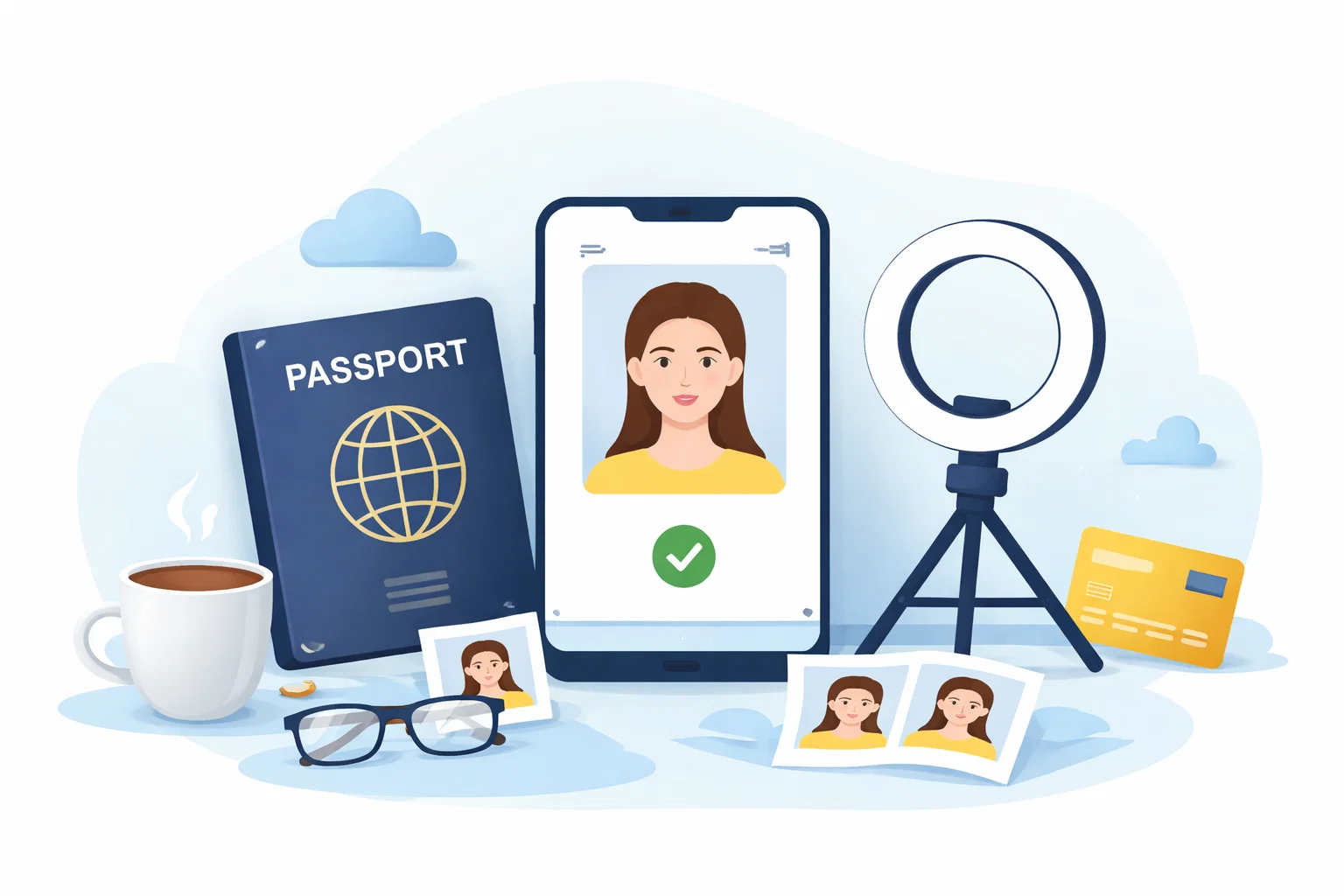
Steps to Create Your Passport Photo
-
Choose your document type (US passport, visa, etc.)
-
Upload a photo taken with your phone
-
AI processes the image:
-
Removes background
-
Adjusts lighting
-
Aligns face
-
-
Compliance check runs automatically
-
Download ready-to-use file (digital + print format)
Total time: 30 seconds to 2 minutes
Compliance Deep Dive: What Gets Photos Rejected
Even small mistakes can lead to rejection:
-
❌ Shadows on face or background
-
❌ Incorrect head size
-
❌ Smiling or неправильное выражение лица
-
❌ Tilted head or неправильный угол
-
❌ Low resolution or blur
Top tools prevent this automatically, which is why compliance > price.
Online vs In-Store: Which Is Better?
| Criteria | Online Tools | Photo Booths / Stores |
|---|---|---|
| Price | $3–$15 | $15–$25 |
| Speed | 30 sec – 2 min | 10–30 min |
| Compliance | AI + validation | Manual (human error) |
| Convenience | From home | Physical visit |
| Retakes | Unlimited | Usually paid again |
Winner: Online tools — faster, cheaper, and more reliable.
Tips to Get a Perfect Passport Photo at Home
-
Use natural light (face a window)
-
Keep neutral expression
-
Stand against a plain wall
-
Hold camera at eye level
-
Avoid filters or editing apps
Even the best tool performs better with a good original photo.
Final Verdict
If your goal is speed, accuracy, and peace of mind, online tools are clearly the best option in 2026. The difference between tools comes down to how well they handle compliance and automation.
-
Choose advanced AI tools for guaranteed approval
-
Use budget tools only if you understand requirements
-
Avoid manual editing unless necessary
For most users, investing a few dollars in a reliable solution saves time, stress, and potential rejection.
FAQ
1. Are online passport photo tools accepted by governments?
Yes, as long as the photo meets official requirements. Many tools are designed specifically for compliance.
2. Can I use my phone to take a passport photo?
Yes. Modern smartphones provide достаточное качество, особенно при хорошем освещении.
3. What is the correct size for a US passport photo?
2×2 inches (51×51 mm) with specific head size and positioning rules.
4. How fast can I get a passport photo online?
Usually within 30 seconds to 2 minutes.
5. What happens if my photo is rejected?
Some tools offer refunds or free retakes, especially those with compliance guarantees.